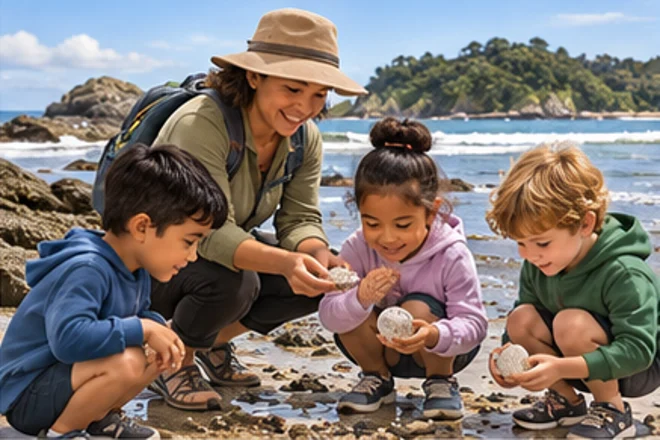
Read the passage first. Use Listen after you have tried it yourself.
Tap the fish.
A class wants to learn more about litter at the beach. “Do you like the beach?” is easy to answer, but it will not help the investigation. “What kinds of litter do we find most often?” and “Where is litter usually found?” are more useful because the answers connect directly to the problem the class wants to study.
Word Work
-ture Words
Print p.51
Match pictures and build the words.
Build picture.
Build nature.
Build future.
Build adventure.
Build mixture.
Build creature.
Write the words you practised. Use this space or paper.
Draw here
Make & Write
Write It
Print p.51
Write on screen or use your exercise book.
Write three useful survey questions about a topic you would like to investigate.
Draw here
Maths Mission
Bar graphs and dot plots
Print p.52
Solve each problem. Show your working when it helps.
A bar graph shows 7 shells, 4 pieces of driftwood and 9 pebbles. Which category is greatest?
How many items altogether?
How many more pebbles than driftwood?
Mini Mission
Beach Survey Mini Mission
Print p.52
Try the real-world task.
🌿
Collect or invent a small data set. Draw a bar graph or dot plot and write two statements about what it shows.
Game Break
Graph Grab
Print p.52
Accuracy first. Have another go if you need it.
🎲Graph Grab⭐
1
Difference between 9 and 4
2
Total of 7, 4 and 9
3
Which is least: 7, 4 or 9?
Check In
How did Week 6 feel?
Print p.52
Choose the answer that feels right.
Check your answer, then try the next task.
Need a hand? · Tips and examples
Tap a picture to choose it. Use Check when it appears. A mistake is a chance to try again. For writing or drawing, use “I did it” when you have finished your own work.
You can move between steps to explore. Only checked answers and your completed work count towards progress.
Everyone learns differently. Choose anything that helps you. No diagnosis is needed. Try easier reading, less at once or a quiet screen. You can change these anytime.
Need something later? Open Learning settings in the app, or Help & Settings on a learning page. Help is for everyone.