Welcome
Week 4: Treasure Map
Tap the map.
TERM 3 · WEEK 4
Welcome
Tap the map.
Sound Lab — Hear It
Sound Lab — Read It
Focus: VCe <i_e> for long i Words: time, bike, fine, ride, like, five Heart words: like, some Smooth sentence: I like to ride my bike.
Word Work — Spell It
Build time.
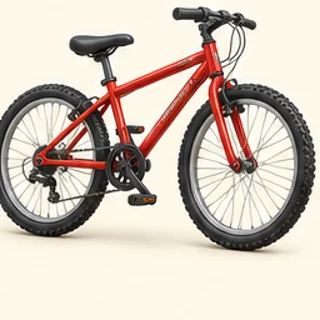
Tap the picture for “bike”.
Build bike.
Build ride.
Build five.
Write the words you practised. Use this space or paper.
Read & Talk
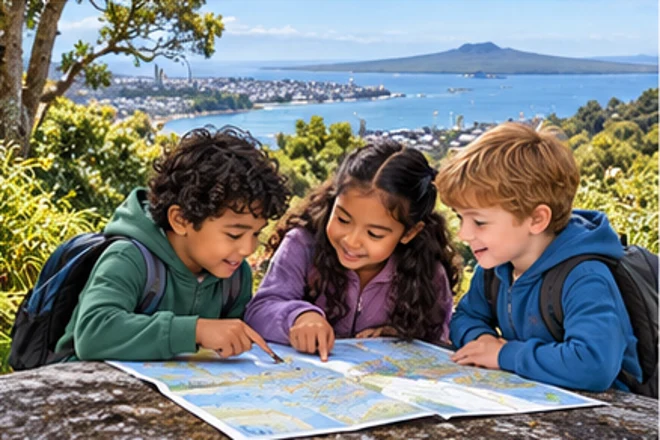
The title says “Treasure Map”. A star marks the treasure. A label says “big tree”. A short caption says, “Start by the gate.”
Make & Write
Add a label or caption to a simple picture or map.
Maths Mission
Maths Challenge
Mini Mission
Ask a safe, non-personal question such as “Which fruit picture do you like: apple or banana?” Tally up to five responses or use pretend data, then say which has more.
Game Break
Build: time
Data: ★★★ = ?
Build: bike
Data: 5 shells vs 2 keys: more?
Build: ride
Data: least: 4 maps, 1 star, 3 keys
Check In
Check your answer, then try the next task.
Tap a picture to choose it. Use Check when it appears. A mistake is a chance to try again. For writing or drawing, use “I did it” when you have finished your own work.
You can move between steps to explore. Only checked answers and your completed work count towards progress.
Open the print bookEveryone learns differently. Choose anything that helps you. No diagnosis is needed. Try easier reading, less at once or a quiet screen. You can change these anytime.
Need something later? Open Learning settings in the app, or Help & Settings on a learning page. Help is for everyone.