Capital letter
Start a sentence — and the first spoken word — with a capital letter.
Example: “We are ready.”TERM 2 · WEEK 7

Seven missions. One journey beyond Earth.
ENGLISH MISSION BRIEFING
This week you will read and write dialogue. These marks are not decorations — each one tells the reader how the sentence works and exactly which words were spoken.
Start a sentence — and the first spoken word — with a capital letter.
Example: “We are ready.”A comma separates parts of a sentence. In dialogue, it can separate the spoken words from who said them.
Example: “We are ready,” Hana said.Speech marks go around the exact words a person says — and only those words.
Example: “We are ready for launch,” Hana said.If the spoken words are a question, the question mark stays inside the closing speech mark.
Example: “Are we ready?” asked Wiremu.Use an exclamation mark when the spoken words show strong feeling, surprise or urgency.
Example: “Watch out!” Ana shouted.A full stop ends a statement. If the whole spoken sentence ends there, it goes before the closing speech mark.
Example: Hana said, “The signal is clear.”BUILD ONE TOGETHER
we are ready for launch hana said 
ENGLISH
Let’s investigate the words for Space Mission. Look for what changes, then explain what you notice.
Use speech marks and commas correctly for direct speech, with support, and apply capital and ending punctuation consistently.
TRAIN → REPAIR: Learn the direct-speech rules, identify a correctly punctuated transmission, then repair three damaged Mission Control messages.
Start with the steps below. They show you what to look for and what to do.
Speech marks wrap around the words that are spoken. The spoken sentence begins with a capital letter. A comma, question mark, exclamation mark or full stop belongs with the spoken words.
“We are ready for launch,” Hana said.
The comma belongs with the spoken words, so it sits before the closing speech mark.Use what you just learned. Tap a message, add punctuation, then check the transmission.
Tap a message, place the cursor, then tap a mark.

ENGLISH
Read the Space Mission information first. Talk the idea through, then answer one small question at a time.
Summarise key narrative details in sequence, identify the problem and resolution, and make a simple inference supported by evidence from the text.
SCAN → REBUILD: Read The Warning Light, identify the problem and resolution, rebuild the key events in order, then choose evidence that supports an inference about Hana.
Evidence is a clue from the text, picture or data that supports your thinking. An inference is an idea you work out from clues.
A narrative normally introduces characters and setting, develops a problem, shows actions taken to solve it, and ends with a resolution. Good readers keep the important events in sequence and use exact details as evidence.
She froze and gripped the armrest.
That action lets us infer that Hana is worried or surprised, even though the author does not simply say “Hana was worried”.THE WARNING LIGHT — Hana, Wiremu and Ana were strapped into the training spacecraft as Mission Control finished the countdown. The engines rumbled, the launch tower slipped away below them and, a few minutes later, the blue curve of Earth appeared through the window. Then an amber warning light flashed above Hana’s seat. She froze and gripped the armrest. ‘Something’s wrong with the air sensor,’ she said. Wiremu checked the control panel while Ana followed the emergency checklist. Behind a loose cover, Ana found that a sensor cable had shaken partly free during launch. She clicked it firmly back into place. The warning light turned green. ‘Reading normal again,’ Mission Control confirmed. Hana let go of the armrest and smiled. The crew continued towards the research station.
Tap the card that answers each scanner question.
The mission computer scrambled five events. Move them into story order.

ENGLISH
YOUR WRITING JOB: BUILD → WRITE: Use the Story Engine to plan a new space problem, character feeling, action, sensory detail and resolution. Then turn the plan into your own continuation of The Warning Light with dialogue and a clear ending.
Write a narrative that includes a clear problem, character action or feeling, logical resolution, time connectives, sensory detail and correctly punctuated dialogue.
BUILD → WRITE: Use the Story Engine to plan a new space problem, character feeling, action, sensory detail and resolution. Then turn the plan into your own continuation of The Warning Light with dialogue and a clear ending.
Start with the steps below. They show you what to look for and what to do. First get your ideas ready. Then build the writing one part at a time.
Give the character a problem or goal, show what they do about it, then resolve it. Use time connectives to keep events clear. Dialogue can reveal feelings or move the action forward. Sensory details help the reader picture the scene.
Choose ingredients. They become a plan, not a finished story — you still get to create the writing.
Choose story ingredients above. Your plan will appear here.
Aim for a clear problem → action → resolution. Add at least one line of dialogue, a time connective, a sensory detail and a character feeling.
The meter is a writing coach, not a score. It updates as you write.

MATHS
Work through one maths question at a time. Your answers will be checked before the next mission unlocks.
Tell digital time to the nearest minute, measure and compare duration in hours, minutes and seconds, and find equivalent durations using different time units.
TRAIN → POWER THE CLOCK: Use 60 seconds = 1 minute and 60 minutes = 1 hour to clear four mission-time signals: read 1:07 pm, convert 90 minutes, convert 2 minutes to seconds, and compare 75 minutes with 1 hour 10 minutes.
Duration is how long something lasts. Use 60 seconds = 1 minute and 60 minutes = 1 hour to rename and compare durations.
Clocks work in groups of 60. There are 60 seconds in 1 minute and 60 minutes in 1 hour. To compare durations, change them into the same unit first.
1 hour 10 minutes = 60 + 10 = 70 minutes.
Now you can compare 70 minutes with another duration, such as 75 minutes.Each correct answer powers one section of the mission clock.

MATHS
This is your real-world Space Mission challenge. Work out what the problem asks you to find or make.
Combine activity durations, include a break, express a total duration in minutes and hours/minutes, and decide whether the total fits within a two-hour (120-minute) window.
PLAN → CALCULATE: Choose exactly three mission activities from 25, 35, 40, 45 and 50 minutes. Add a 10-minute crew break, calculate the total before the flight computer does, then test whether the plan fits within 2 hours = 120 minutes.
Duration is how long something lasts. Use 60 seconds = 1 minute and 60 minutes = 1 hour to rename and compare durations.
Add the duration of every activity and the crew break. If the total is 120 minutes or less, the plan fits. If it is more than 120 minutes, the crew needs a different plan.
25 min + 35 min + 40 min + 10 min break = 110 minutes.
110 minutes = 1 hour 50 minutes, so it fits inside a 120-minute window.Choose exactly three activities. A 10-minute crew break is added after Activity 2. Some combinations will not fit.
Choose three mission activities above.
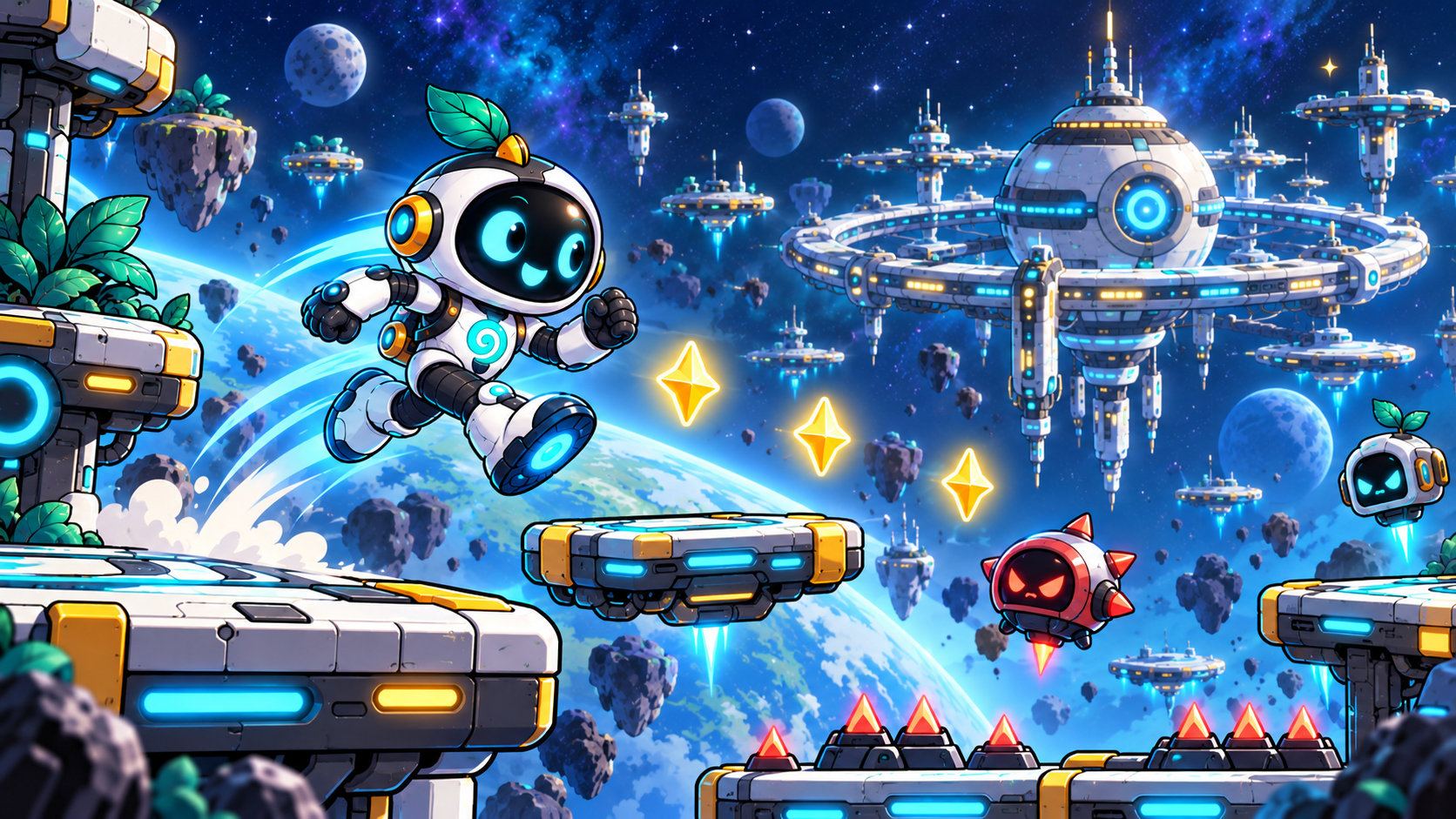
Help Koru restore the station. Run and jump through the Station Approach, Corridor, Cargo Bay and Reactor Core. Collect energy, dodge timed hazards, activate checkpoints, use Shield and Jet Boost power-ups, then reach the Command Platform.
GAME BREAK · SPACE MISSION
The station has lost power. Run, jump and climb through four zones to reach the Command Platform and restore the beacon.
This part is about your own learning. There are no right or wrong feelings.
Reflect on independence, challenge level and the next useful practice step.
Choose: Mostly by myself / Some help / Another go. Optional prompt: 'One thing I can explain now is…'
Choose what feels true for you, then write one thing you understand better now.
There are no right or wrong answers. Choose what feels true for you.
Everyone learns differently. Choose anything that helps you. You can change these anytime.
Need something later? Tap your Homework Club buddy. Help is for everyone.